Your business,
on autopilot.
One platform for creating, running and growing your business, powered by AI.
11 Best Vibe Coding Tools in 2026 (Ranked by Who You Are)





Last updated: July 2026
Vibe coding stopped being a joke and became how a lot of software gets built: Google has said publicly that more than a quarter of its new code is now written by AI, and that share keeps climbing. You describe what you want in plain English, and AI writes the code. But the tools that do this fall into three very different camps, and picking the wrong camp for who you are is how people waste a month. A developer wants an AI that lives in their editor. A non-coder wants a tool that hides the code entirely. And a founder often doesn't want code at all: they want a business that happens to need software.
This guide ranks 11 tools by which of those you are, not by a made-up leaderboard where the author's own product conveniently comes first.
Here's the map, by who you are:
- You write code and want AI to go faster → Cursor, Claude Code, Windsurf, GitHub Copilot, Google Antigravity
- You don't code and want a working app from a prompt → Lovable, Bolt.new, v0, Replit
- You want an autonomous agent to take a whole ticket → Devin
- You want a business, not just an app → Crevio
Quick Comparison
| Tool | Camp | Starting Price | Best For |
|---|---|---|---|
| Cursor | AI IDE | Free (Pro $20/mo) | Developers who want a force multiplier |
| Claude Code | AI CLI/agent | Via Claude plan or API | Complex codebases, test-driven work |
| Windsurf (now Devin Desktop) | AI IDE | Free (paid tiers) | Agent-first editing, now under Cognition |
| GitHub Copilot | AI IDE plugin | Free (Pro $10/mo) | AI inside your existing editor |
| Google Antigravity | Agentic IDE | Free in preview | Agent-led, multi-surface builds |
| Lovable | App builder | Free (Pro from $25/mo) | Polished prompt-to-app for non-coders |
| Bolt.new | App builder | Free (Pro from $25/mo) | Fastest full-stack JS prototype |
| v0 | App builder | Free (usage-based paid) | Production-ready Next.js UI |
| Replit | Cloud IDE + agent | Free (Core $20/mo) | Full-stack apps, Python, real backends |
| Devin | Autonomous agent | Paid (usage-based) | Delegating whole tickets |
| Crevio | AI business builder | Free (1–5% tx fee) | Running a business, not just code |
Prices verified July 2026 and may shift; check each provider for current terms.
Camp 1: You Write Code (AI IDEs and Assistants)
If you can read the code the AI produces, these tools are a force multiplier rather than a black box. They produce more maintainable, testable output than app builders, because you stay in control of the codebase.
Cursor
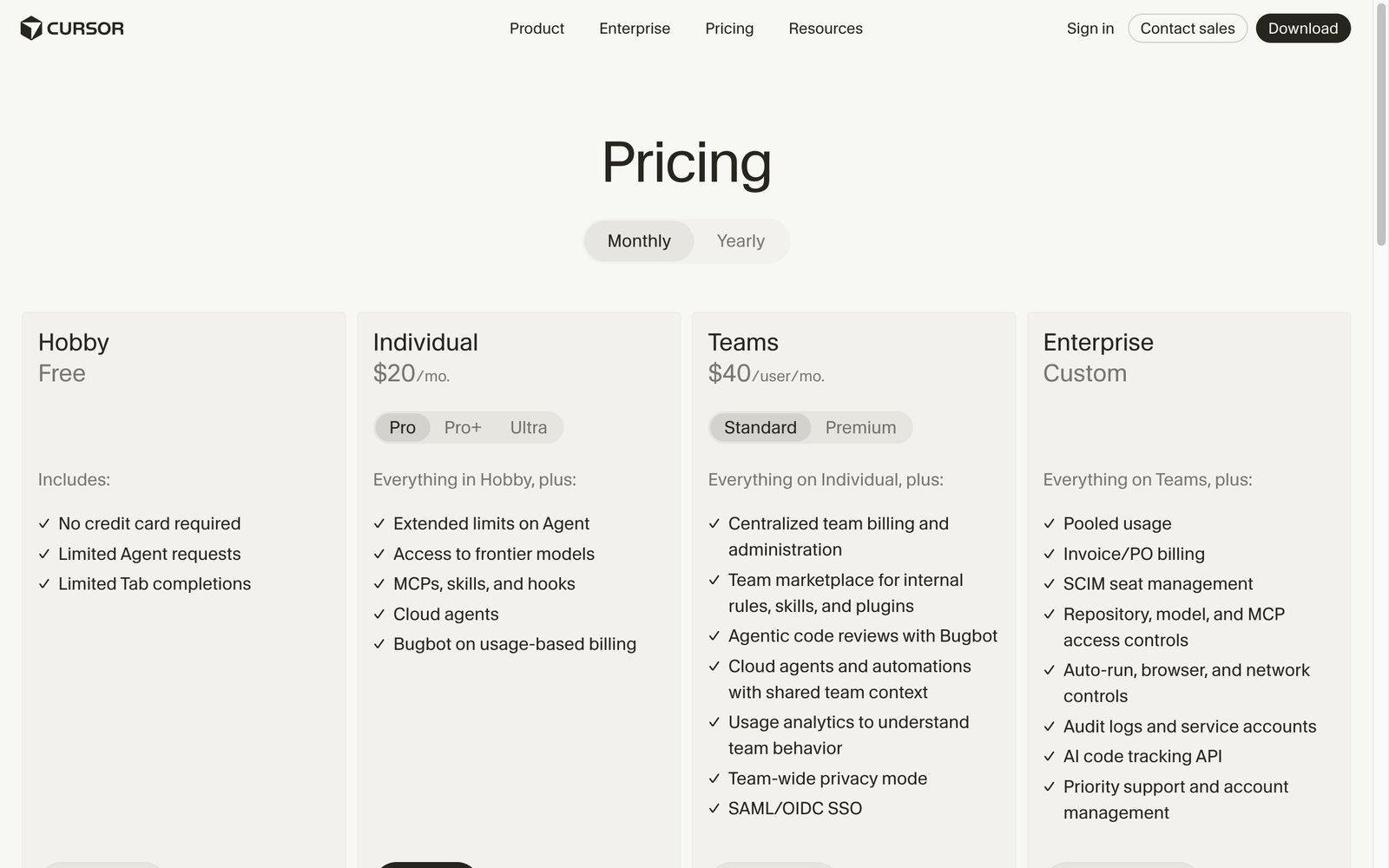
Cursor is the default AI editor for most working developers, a fork of VS Code with AI woven through every keystroke. The chat and agent modes get the headlines, but the feature people actually stay for is Tab: multi-line autocomplete that predicts your next several edits and lets you move through a file fast. It's the safest first pick if you already write code daily and want speed without handing over control. Because its output is only as good as the model behind it, it's worth tracking which LLM is best for coding as the rankings shift.

Pros:
- Tab autocomplete is the best in the business, and the reason people can't go back
- Parallel background agents let you delegate several tasks at once
- Your VS Code extensions, keybindings, and themes import in one click
Cons:
- Usage-based billing makes heavy agent months hard to predict
- You're working in Cursor's editor, not your own
Pricing: free Hobby tier; Pro at $20/month, Pro+ at $60, Ultra at $200 for all-day agent work, Teams at $40/user. The math is friendly: if a $20/month editor saves you even two hours a month at a $75/hour freelance rate, that's $150 of time for $20, a 7x return.
Best for: developers who code daily and want a force multiplier without giving up control.
Claude Code
Claude Code is the terminal-native agent with the strongest testing instinct in the category. Instead of living in an editor pane, it works from your command line: it reads across the whole codebase, edits files, runs commands, and proactively writes and runs tests to verify its own work. That self-checking makes it a favorite for complex refactors and unfamiliar codebases where you can't eyeball every change. Access comes through a Claude plan or the API, and it now plugs into other editors too. Our full Claude Code guide covers its features, pricing, and usage limits in depth.

Pros:
- Proactively writes and runs tests, so it verifies its own work
- Reads the whole project, making it the strongest pick for unfamiliar codebases
- Works from the terminal, the web, and the desktop app on one usage pool
Cons:
- Terminal-first workflow has a learning curve if you live in an editor
- Time-windowed usage limits can interrupt marathon sessions
Pricing: included in Claude plans from $20/month (Pro), with Max at $100 to $200/month for heavy use; API pay-per-token for automation.
Best for: complex refactors, test-driven work, and codebases you don't fully know yet.
Windsurf (now Devin Desktop)
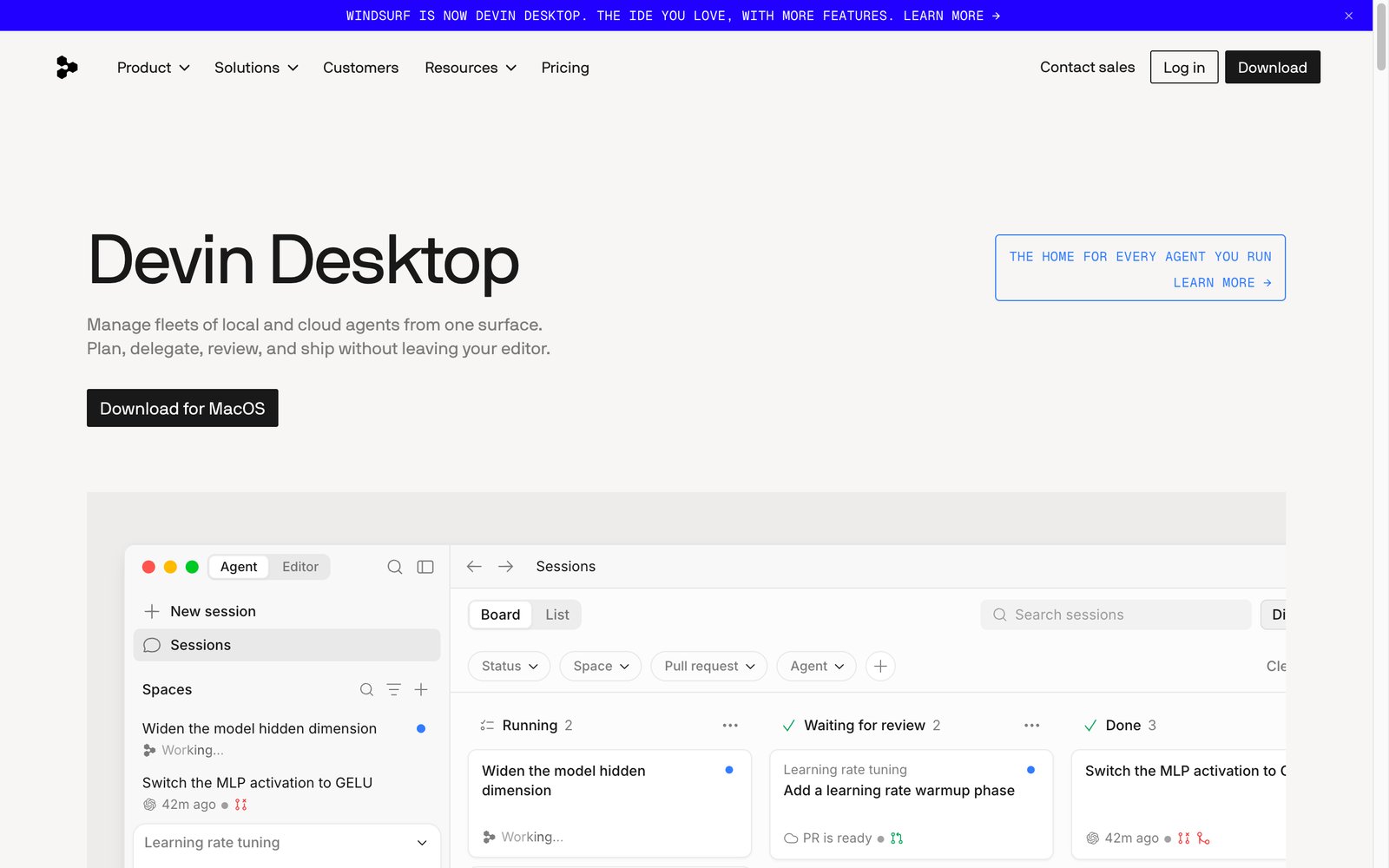
Windsurf is the agent-first editor, now rebranded. Cognition (the maker of Devin) acquired Windsurf and turned it into Devin Desktop in June 2026; existing installs updated over the air with plans and settings intact. Its agent command center gives you a Kanban view of every local and cloud agent (running, waiting for review, done), a genuinely different way to work if you run several agents at once, and it runs multiple models (Claude, Codex, Gemini) inside one editor via the open Agent Client Protocol. Still a strong Cursor alternative if you prefer the agent to lead rather than autocomplete as you type.
Pros:
- Agent command center: a Kanban view of every running agent, unique in the category
- Runs Claude, Codex, and Gemini agents inside one editor via the open Agent Client Protocol
- Plugins for 40+ IDEs, so it meets you where you already work
Cons:
- More autonomy means reviewing outcomes rather than steps, which some developers dislike
- Mid-rebrand product naming is genuinely confusing
Pricing: free tier; Pro around $20/month, matching Cursor.
Best for: developers who want the agent to lead and need it inside JetBrains, Vim, or other existing IDEs.
GitHub Copilot
GitHub Copilot remains the lowest-friction on-ramp to AI coding: it lives inside the editor you already use (VS Code, JetBrains, Visual Studio, Neovim) and now spans inline completions, a chat panel, and an agent mode. There's a free tier for light use and Pro at $10/month, the cheapest paid option here. It's not the most aggressive agent, but for most developers it's the most convenient, with the tightest integration into GitHub itself.

Pros:
- Works inside the editor you already use, zero switching cost
- The cheapest paid option in the category at $10/month
- Deepest GitHub integration: PRs, issues, and code review in one flow
Cons:
- Less capable agent than Cursor or Claude Code on big multi-file tasks
- Model choice is narrower than the dedicated AI editors
Pricing: free tier for light use; Pro at $10/month, Pro+ at $39/month, Business at $19/user/month.
Best for: developers who want AI assistance today with zero disruption to their current setup.
Google Antigravity
Google Antigravity is Google's agentic IDE, built from the ground up around agents that operate across the editor, terminal, and browser to build and verify features end to end. It's free while in preview and leans on Google's Gemini models. Early days, but a serious entrant that signals where the big labs think the editor is heading.

Pricing: free while in preview.
Best for: early adopters who want to try agent-led development across editor, terminal, and browser at zero cost.
Camp 2: You Don't Code (Prompt-to-App Builders)
These hide the code entirely. You describe an app, and you get a working one. The tradeoff: the result works right away, but it gets harder to change over time, and you are still the one who has to run whatever ships.
Lovable
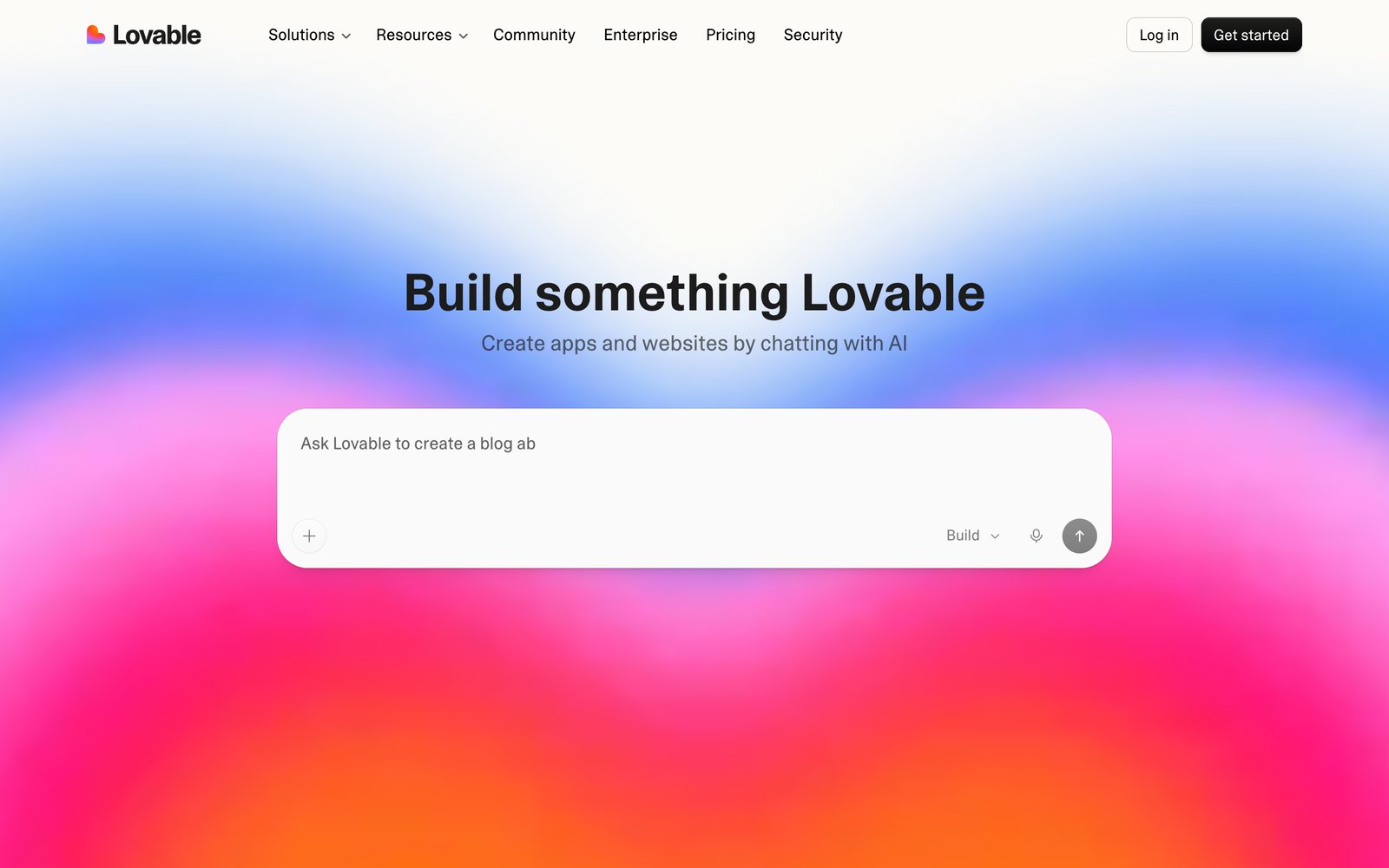
Lovable produces the most polished results of the pure app builders, with design defaults that consistently beat the field, so you can ship something that looks intentional without hiring a designer. The chat-to-app flow is fast and forgiving, which makes it the friendliest starting point for non-coders. The main thing to watch is credit usage: complex or vague requests eat through the monthly allowance quickly, so budget for top-ups on real projects.
Pros:
- The best design defaults of any app builder; output looks intentionally designed
- Payments, sign-in, and a database generated out of the box
- GitHub sync keeps your code portable
Cons:
- Credits vanish fast on complex or vaguely worded requests
- You still run and maintain whatever it builds
Pricing: free tier with daily credits; Pro from $25/month, scaling by credit usage.
Best for: non-coders who want the most polished possible MVP from a description.
Bolt.new
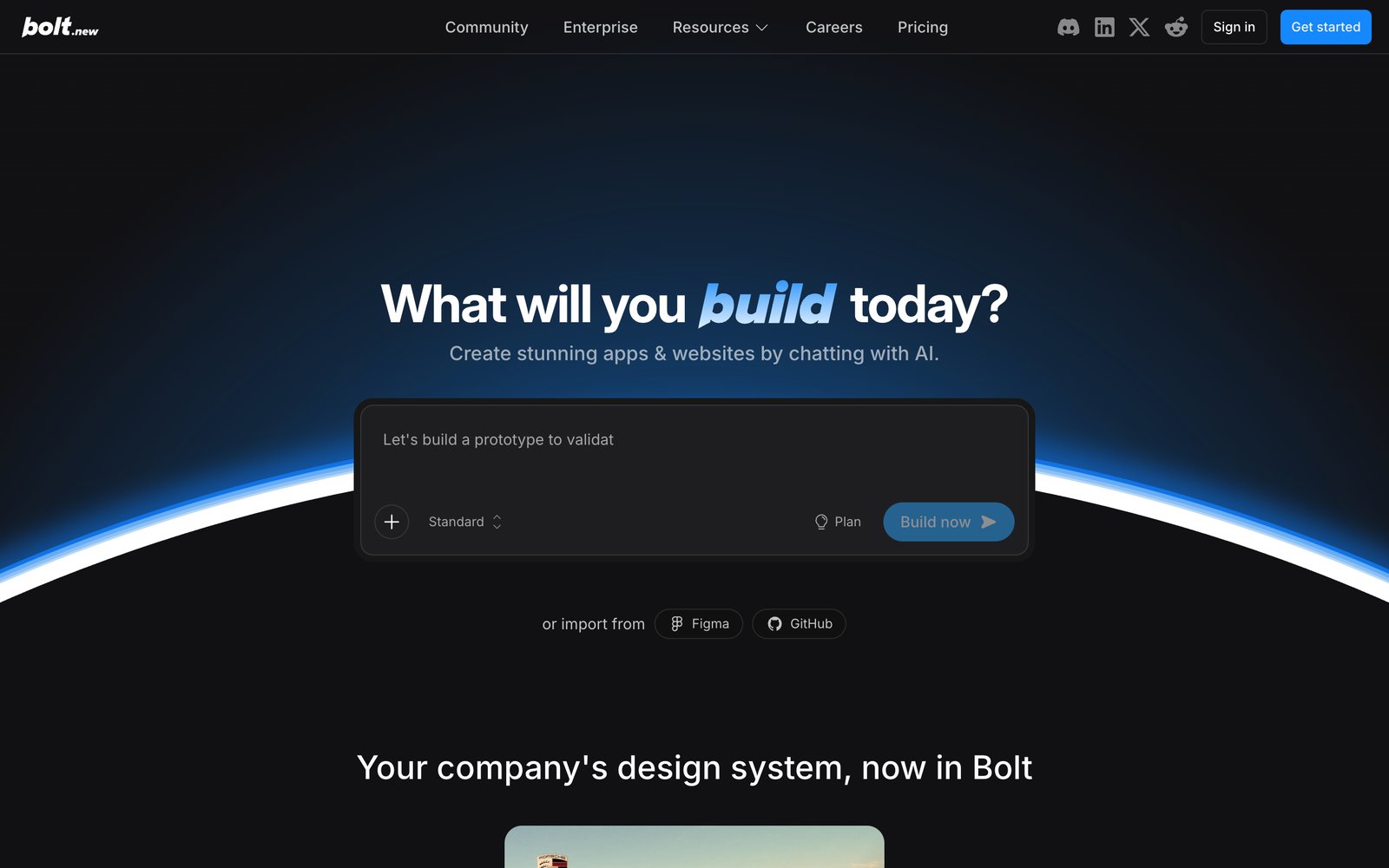
Bolt.new is the fastest route to a working app you can click through, all in the browser with nothing to install. It builds and runs your app live as you describe it, so you see progress in real time. If a working demo by end of day is the goal, Bolt is hard to beat. The flip side of that speed is that it's built for quick prototypes more than long-term upkeep.
Pros:
- Fastest prompt-to-running-app loop in the category
- Framework freedom: React, Vue, Next.js, Svelte, Astro all work
- Built-in deployment gets a live URL in minutes
Cons:
- Optimized for prototype speed, not long-term maintenance
- Less guidance for total beginners than Lovable
Pricing: free tier; Pro from $25/month, token-based beyond that.
Best for: shipping a clickable demo today, especially with some technical comfort.
v0
v0 by Vercel leans toward polished, ready-to-use results rather than throwaway demos, and is especially good at generating clean, professional interfaces. It's the strongest pick when the output needs to hold up for a real team and a real launch, and it connects smoothly to Vercel for publishing. It's also a favorite among the AI tools for product managers who want to prototype a real interface without waiting on engineering.

Pricing: free tier; usage-based paid plans through Vercel.
Best for: production-quality interfaces that need to survive a real design-led team, with publishing handled by Vercel.
Replit
Replit is a complete online workspace with an AI agent, a built-in database, and hosting, all in one browser tab. It sits between the app builders and the developer tools: more capable than Lovable, but far more approachable than setting up your own computer to build. Its agent can build and publish an app from a description, while still letting more technical users step into the details.

Pros:
- Build, database, hosting, and agent in one browser tab, nothing to assemble
- Real backends and Python support that pure app builders lack
- 30+ integrations including Stripe, Figma, and Notion
Cons:
- Usage-based agent costs can surprise you on ambitious builds
- More complex than pure prompt-to-app tools for total beginners
Pricing: free Starter; Core at $20/month ($18 billed annually) with $20 of monthly agent credits, Pro at $100/month for heavier work.

Best for: builders who want everything (building, running, hosting) in one place and might grow into the code.
Camp 3: You Want to Delegate a Whole Ticket
Devin
Devin is the autonomous end of the spectrum: you hand it a task the way you would a junior engineer, and it plans, writes, and tests the change on its own. It shines on well-scoped, repetitive work and is less reliable on ambiguous, sprawling tasks. Priced by usage, it's best thought of as delegation rather than pair-programming. Devin and Devin Desktop (the rebranded Windsurf) are both Cognition products: Devin is the autonomous cloud agent, and Devin Desktop is the editor you sit in. If it's not quite the fit, we compare the best Devin AI alternatives by use case.

Pros:
- True delegation: assign a ticket, review the finished pull request
- Strong on well-scoped, repetitive engineering work
- Dramatically cheaper than a year ago after its price restructuring
Cons:
- Drifts on ambiguous, sprawling tasks that need judgment
- Usage-based compute costs need watching on long tasks
Pricing: from about $20/month plus usage-based compute units (roughly $2.25 each), down from $500/month at launch.
Best for: teams with a backlog of well-defined tickets they'd happily hand to a junior engineer.
What Nobody Tells You About Vibe Coding
The demos are magic. The month-two reality has some consistent surprises:
- The last 30% is the hard 30%. AI gets you to a working-looking app fast. Closing the gap to production (edge cases, auth, error states, the bug that only happens for real users) is where the time goes, and it's the part the vibe doesn't cover.
- Debt is real and it compounds. No-code builder output especially works on day one and gets harder to change by week three. If you'll maintain it, favor tools that give you real, readable code.
- You still own security. Generated code confidently ships vulnerabilities and hallucinated dependencies. Nothing here removes the need to review before you deploy.
- Building the app is not building the business. This is the big one. Every tool above ends its job at "the software works." Payments, customers, marketing, and support are still entirely yours.
How to Choose
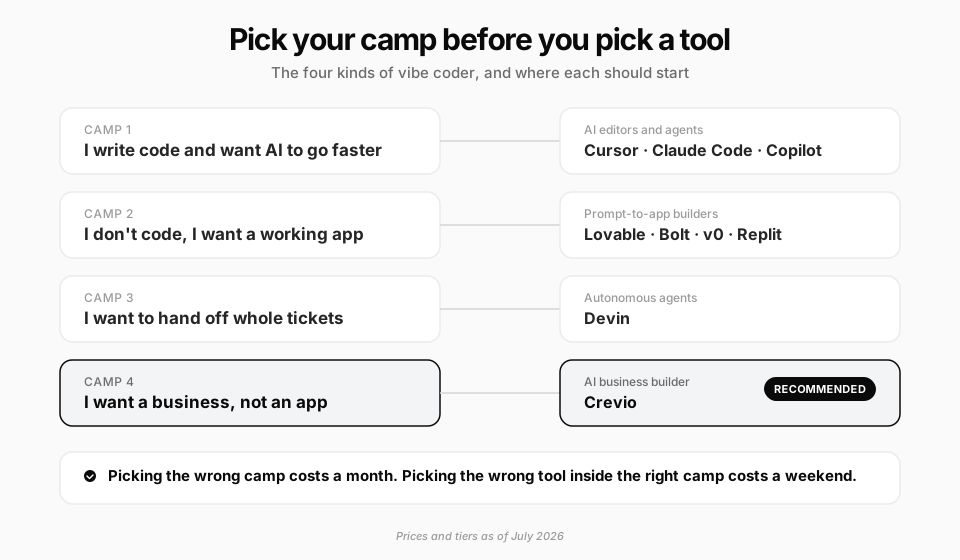
- You write code → Cursor for a daily force multiplier, Claude Code for complex or test-heavy work, Copilot if you just want AI in your current editor.
- You don't code and want an app → Lovable for polish, Bolt for speed, v0 for production UI, Replit for real backends.
- You want to delegate whole tasks → Devin.
- You want a business, not an app → keep reading.
Maybe You Don't Want to Vibe Code at All
Here's the honest reframe, and it's the same trap the last section named. Most people reaching for a vibe coding tool aren't trying to produce software. They're trying to launch something that makes money: a store, a course, a membership, a service. Code is a means they'd happily skip if they could.
If that's you, Crevio is a different category from everything above. It's an AI business builder, not a code generator. You describe the business you want to run, and Crevio's AI builds the website, sets up your products and offers, turns on payments, captures leads, keeps track of customers, and keeps working after launch. There's nothing to host, no code to maintain, and no updates to manage. The result isn't an app you then have to run. It's a business that runs.
- Everything to sell is built in, not bolted on: products, pricing, checkout, your customer list, email capture, and sales reports are all in one place.
- AI that runs the business, not just builds it: it helps with setting up products, writing your copy, launches, and improving things over time.
- Secure payments powered by Stripe, with fees from just 1–5%, and no cut of your revenue beyond that.
- Connects to the 3,000+ tools you already use, and your data is always yours to take with you, so you're never locked in.
Crevio pricing:
| Plan | Monthly | Annual | Transaction Fee | AI Credits |
|---|---|---|---|---|
| Starter | Free | Free | 5% | 250/mo |
| Pro | $20/mo | $16/mo | 2.5% | 1,000/mo |
| Business | $50/mo | $40/mo | 1% | 2,500/mo |
To be fair about scope: Crevio handles digital products, courses, memberships, websites, and payments, not physical inventory or shipping. And if you genuinely enjoy building software, the vibe coding tools above are excellent at what they do. But if the goal is a running business, the best tool might be the one where you never open an editor.
The Bottom Line
There is no single best vibe coding tool, only the best one for who you are and what you're trying to do. If you write code, Cursor and Claude Code are the safest starting points, with Windsurf (now Devin Desktop), Copilot, and Antigravity close behind. If you don't, Lovable and Bolt turn a paragraph into a working app faster than any tutorial ever could. And if you want to hand off whole tasks, Devin does the work while you review it.
But before you pick, be honest about the goal. Almost everyone in this search wants an outcome, a product that sells, a business that grows, and coding is just the path they assumed they had to take. If that's you, the fastest route may not be a coding tool at all, but a platform like Crevio that builds and runs the whole thing while you focus on the part only you can do: knowing what to sell and to whom. Start with the goal, not the tool, and the right choice gets a lot clearer.
FAQ
It depends on who you are. Developers get the most from Cursor or Claude Code. Non-coders who want a working app prefer Lovable for polish or Bolt for speed. Those who want to delegate whole tasks use Devin. And people whose real goal is a business, not software, are often better served by an AI business builder like Crevio.
For the first 70%, yes, and fast. The remaining work (edge cases, security, auth, performance) still needs review and often real engineering. AI IDEs like Cursor and Claude Code produce more maintainable, testable code than no-code app builders, which matters if you plan to keep and grow the app.
No. Prompt-to-app builders like Lovable and Bolt are built for non-coders. The catch is what happens after the app works: hosting, payments, customers, and marketing are still on you, which is why some founders skip app builders entirely in favor of tools that run the whole business.
Free, genuinely. Cursor's Hobby tier, Copilot's free plan, Lovable's and Bolt's free credits, and Google Antigravity's free preview all let you build without paying. The first paid dollar that's clearly worth it for developers is Copilot Pro at $10/month; for non-coders it's Lovable or Bolt at $25/month.
Copilot if you want AI in the editor you already use with zero disruption, at $10/month. Cursor if you want the strongest autocomplete and background agents and don't mind switching editors, at $20/month. Developers who try Cursor's Tab for a week rarely go back, but Copilot is the safer first step. See our Cursor vs Windsurf comparison for the other big matchup.
Mostly web apps. Lovable, Bolt, and v0 produce web output that works well on phones, but for true native iOS and Android apps you want a dedicated tool like FlutterFlow or Adalo; see our guide to the best mobile app builders.
Related Blog Posts
What will you sell today?
Describe what you want to sell — Crevio builds, launches, and grows it. Products, payments, and marketing, all on autopilot.
Start for free

